
Less autopilot.More movement.
Mexeu locks the apps you choose. Your activities unlock minutes to return. A small ritual before your next scroll.
Coming soon to iPhone · ages 16 and up

You choose what to pause.Illustrative apps. You make the selection on your iPhone.
 Instagram
 TikTok
 X
XA pause that becomes time.
Your next scroll can wait a little. You decide how to earn your minutes.
Choose your apps
Select the apps you want to pause. Mexeu uses iPhone Screen Time to apply restrictions.
Do an activity
Squats, push-ups or a math question. Choose an activity that works for you.
Return with your minutes
The activity unlocks time for your apps. You can adjust how many minutes each activity earns.
Your pace.
Your way to move.
A little body, a little brain. Brasa joins you for whichever pause you choose.
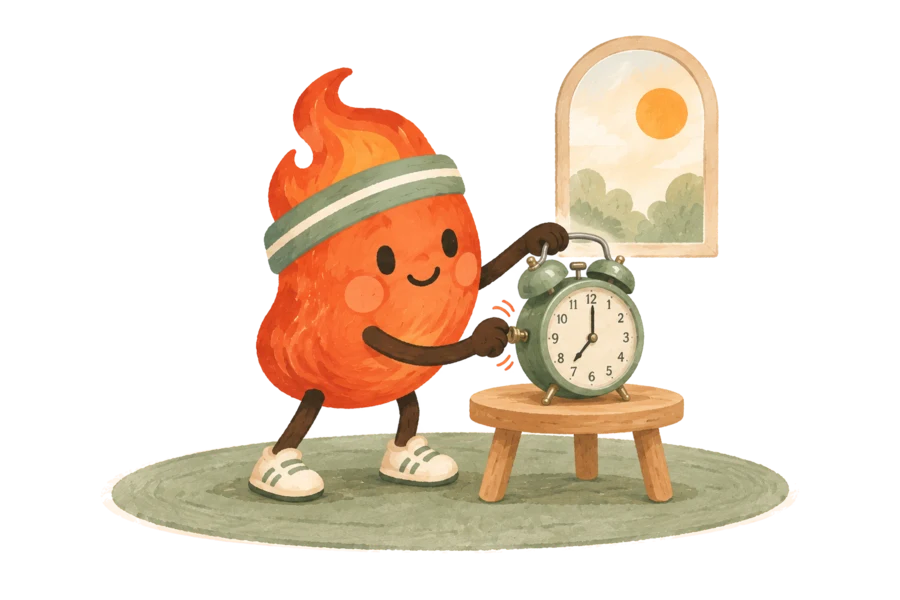
Start your day with a small ritual.
If you like, set an alarm with an activity. Choose a time, a challenge and a goal that suits your morning.
The alarm is optional. You can also earn minutes throughout the day.
The camera stays on your iPhone.
Movement is processed on your device. The normal flow does not record videos or send images to analytics and subscription services.
Understand Mexeu privacyYou stay in control.
Choose your apps, adjust rewards and manage permissions in iOS Settings. Mexeu works without an email and password account.
Read the terms of useBefore you begin.
Is Mexeu available yet?
Not yet. We are preparing the iPhone launch. When the app is available, you will find the App Store link here.
Do I have to exercise to unlock my apps?
You can choose movement activities or math challenges. Only perform movement activities suitable for your condition, and stop if you feel discomfort.
Do I need to allow camera access?
The camera is needed to count movement repetitions on your device. Math challenges do not use it. You control permissions in iPhone Settings.
Does everything stay on my phone?
Camera processing, Screen Time selections and progress are handled on your device. Some technical and purchase events are sent to Mixpanel and Superwall, and Apple processes payments. The privacy policy explains these flows.
Will the app be free?
Plans, prices and any trials will be shown in the app and App Store. We are not announcing a purchase offer on this page yet.
Your next scroll can wait.
A small movement. A question solved. A few minutes to return with more intention.
Coming soon to iPhone
Want to know more about the launch? Get in touch.